 Ganttry
Convert MPP to XML, free
Turn a Microsoft Project .mpp file into Project XML, the open format Microsoft Project and many planning tools read. No Microsoft Project or sign-up needed.
Free. No sign-up. Your file is read on our server and deleted straight away. Up to 50 MB, and 10 files an hour.
How it works
- Choose your .mpp file. Pick it or drop it in the box above.
- Download as XML. It is converted in a few seconds and saved to your downloads with the same name, ending in .xml.
- Use it anywhere. Open the XML in Microsoft Project, Ganttry or another planning tool that reads Project XML.
Questions
What is Project XML?
Project XML is Microsoft Project’s published exchange format. It holds the same plan as the MPP file, tasks, links, resources, calendars and progress, as readable XML that other planning tools can import.
Can Microsoft Project open the XML again?
Yes. Microsoft Project opens Project XML directly, and can save it as MPP again.
What is an MPP file?
MPP is the file format Microsoft Project saves plans in: tasks, dates, links between tasks, resources and progress. It is a closed format, so most other programs cannot read it.
Can I open an MPP file without Microsoft Project?
Yes. Choose the file above and it opens in Ganttry as a task table and Gantt chart, in your browser. You do not need Microsoft Project, an account or any installation.
Which MPP files work?
Files from all common versions of Microsoft Project, from older releases to today’s. Files protected with a password cannot be read; remove the password in Microsoft Project first.
Does it work on a Mac or a Chromebook?
Yes. Ganttry runs in any modern browser, on Mac, Windows, Linux and Chromebooks.
Is my file safe?
The file is sent over an encrypted connection to Ganttry’s converter, read in a temporary folder, and deleted straight away. We do not keep it or look at it. When you open it in Ganttry, the project stays in your browser until you choose to save it.
Can I look at the plan instead?
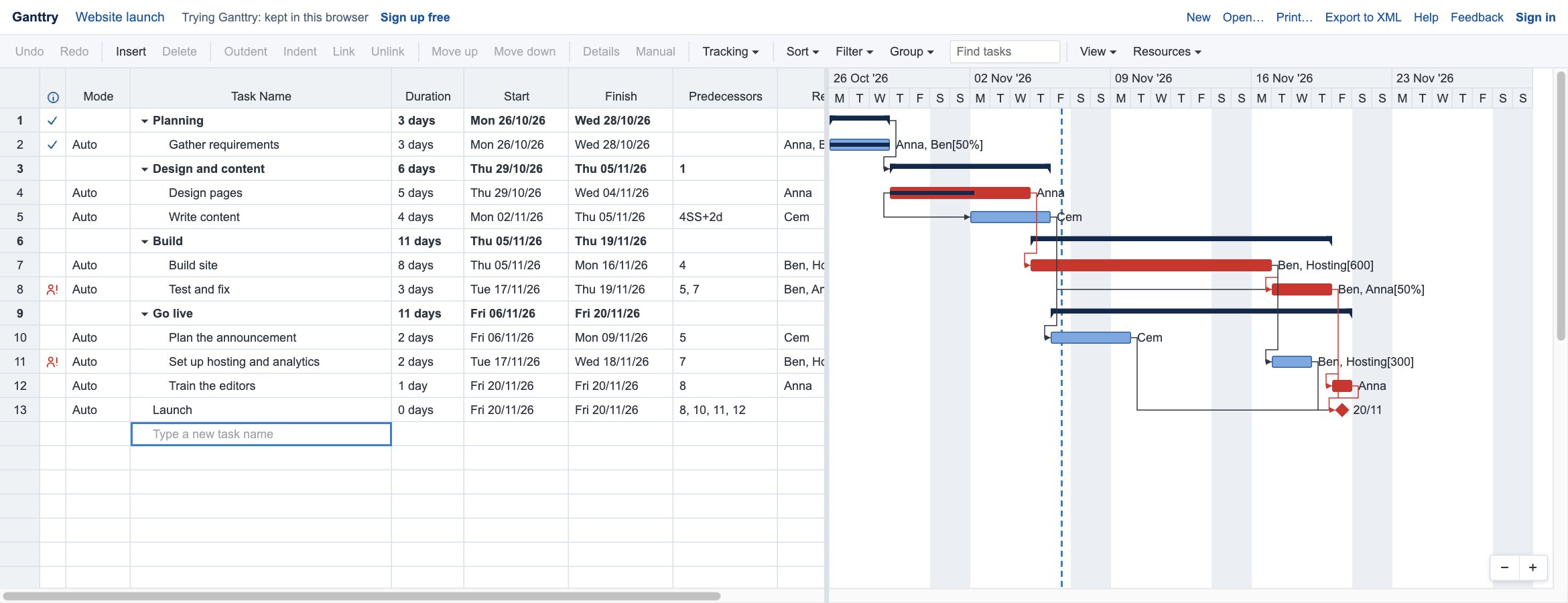
Yes: use Open in Ganttry to see it as a Gantt chart in your browser, and keep editing it there.
More than a viewer
Ganttry is full project scheduling in your browser: links, critical path, baselines and resources, with projects saved in your Google Drive.
See what Ganttry does